In today’s digital world, video content has become one of the fastest-growing forms of online media. Platforms like YouTube, Instagram Reels, Facebook, and other social networks receive millions of video uploads every day. However, creating high-quality videos is not always easy because it often requires advanced editing skills and expensive software.
To make video creation easier, many online video maker tools have been developed. Among them, FlexClip AI Video Maker has become a popular platform. It is an online tool that allows anyone to create professional videos without having advanced video editing skills.
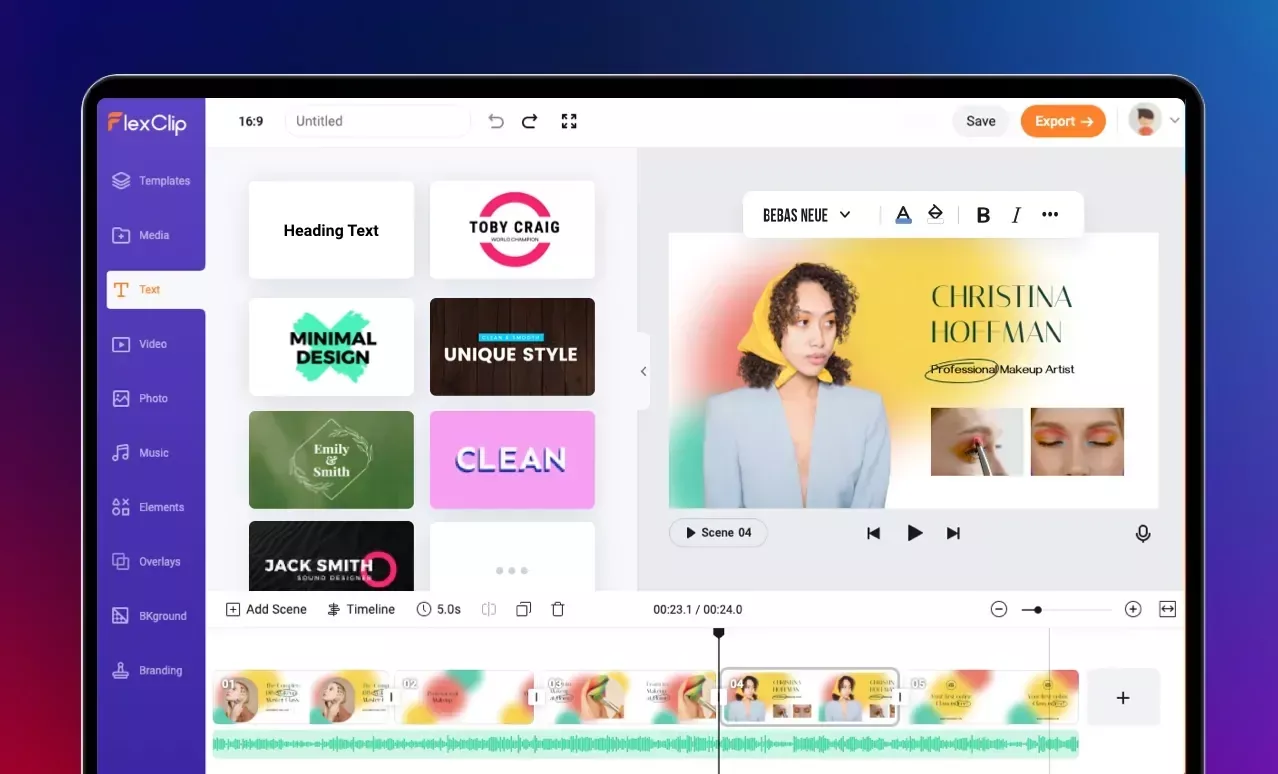
FlexClip also includes several modern AI features such as Text to Video, Image to Video, AI Voiceover, and the newly introduced PowerPoint to Video Converter. With the help of these features, content creators, marketers, bloggers, and YouTubers can create engaging videos in a very short time.
Let’s explore FlexClip in detail and understand how this tool works and why it has become so popular among creators.

What is FlexClip
FlexClip is an online video maker and video editing platform that allows users to create and edit videos directly in their web browser. This means you don’t need to download or install any heavy software on your computer.
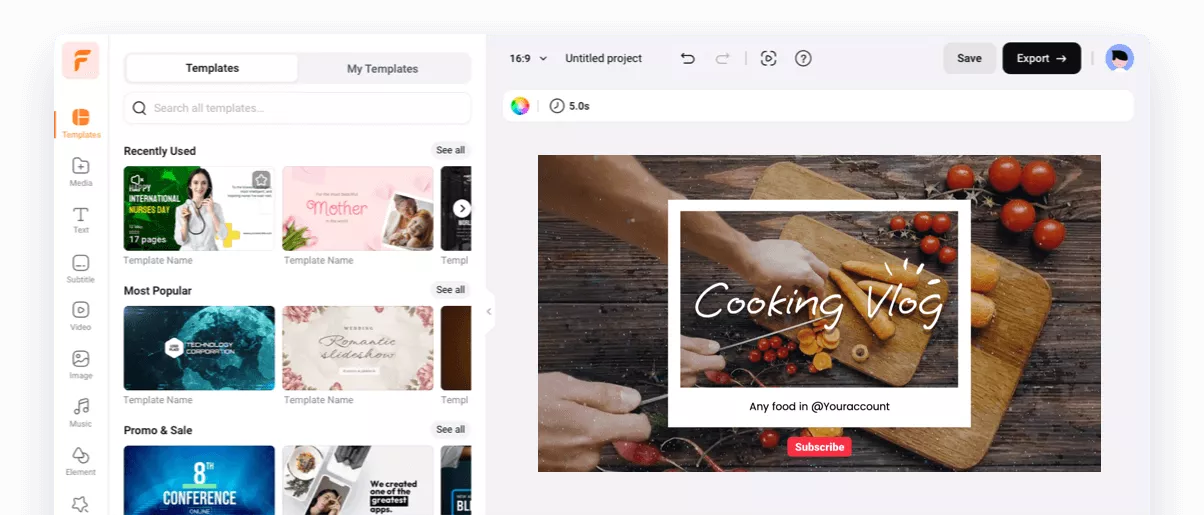
The platform is designed especially for people who want to create videos quickly and easily. FlexClip offers a drag-and-drop interface that allows users to add text, images, video clips, and music to their videos effortlessly.
FlexClip was developed by PearlMountain Limited, and today it is used by millions of content creators around the world. With this tool, you can create social media videos, marketing videos, slideshows, explainer videos, and many other types of visual content.

Key Features of FlexClip
FlexClip stands out because of its powerful and easy-to-use features. These features make video creation simple and efficient even for beginners.
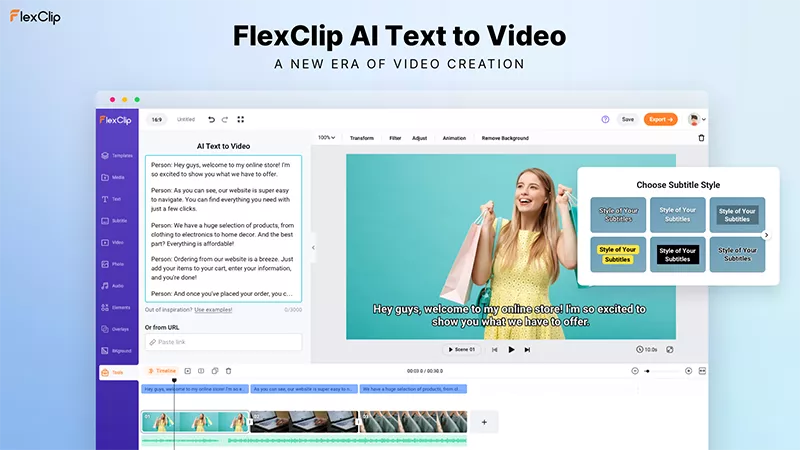
One of the most impressive features is AI Text to Video. With this feature, users can simply write text or a script, and the AI automatically converts it into a video. This feature is especially useful for creating YouTube explainer videos or informational content.
Another useful feature is Image to Video, which allows users to convert photos into slideshow videos. You can add transitions, text, and music to make the video more engaging.
FlexClip also provides thousands of ready-made video templates. These templates allow users to create professional videos within minutes. For example, you can create YouTube intros, Instagram reels, promotional videos, or presentation videos.
In addition, FlexClip offers a large stock media library that includes millions of stock videos, images, and music tracks. This makes it easier to create videos without searching for external resources.
FlexClip PowerPoint to Video Tool
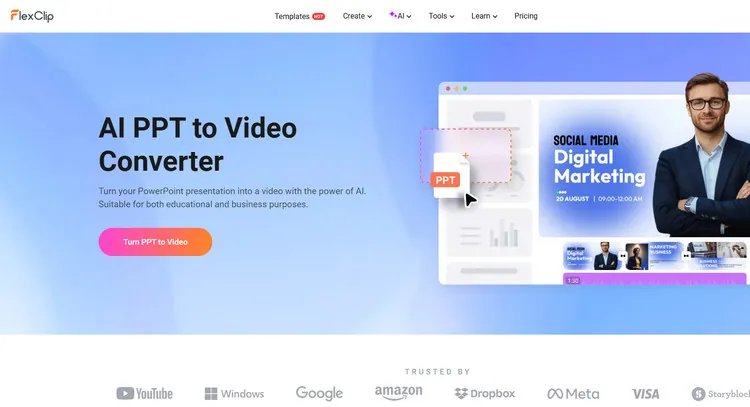
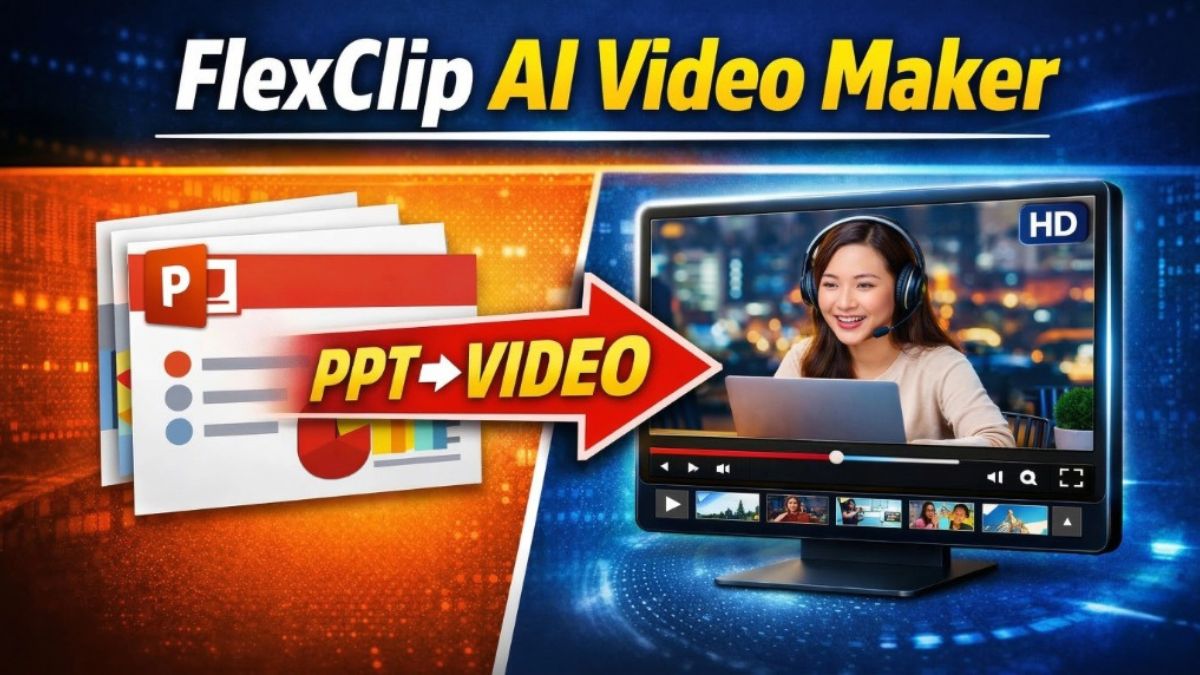
One of the most exciting features introduced by FlexClip is the PowerPoint to Video Converter. This feature allows users to convert PowerPoint presentations directly into video content.
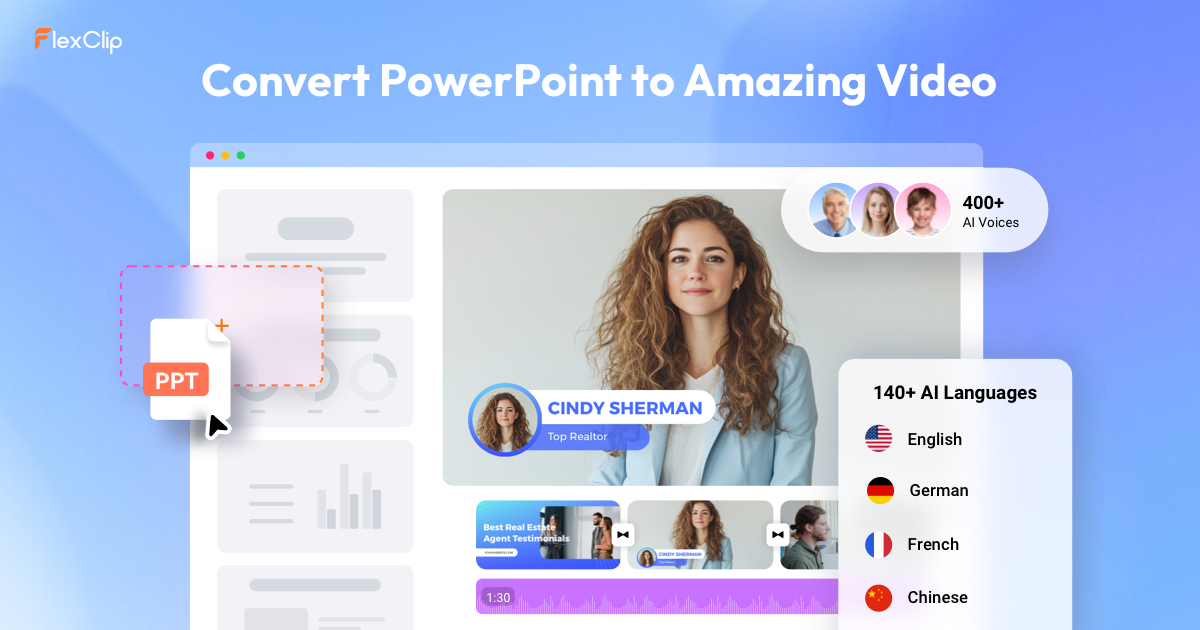
For example, if you have created a presentation with 10 slides, you can upload the PPT file to FlexClip. The AI then analyzes each slide and converts it into a separate video scene. After that, you can add voiceovers, background music, and transitions to enhance the video.
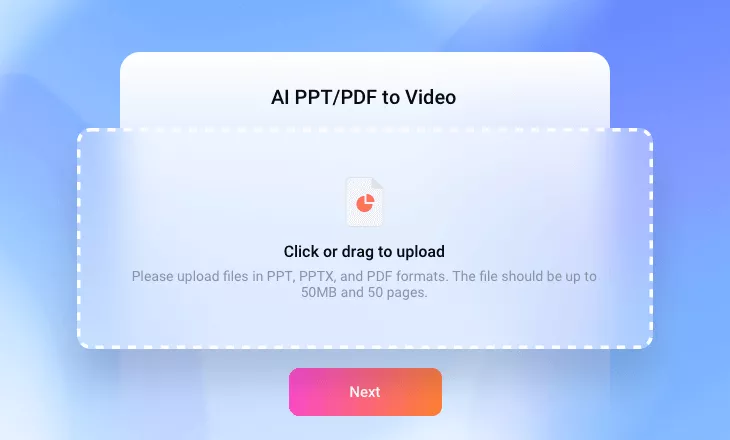
This feature is particularly useful for teachers who create online courses, professionals who deliver presentations, and YouTube creators who want to transform presentations into engaging videos.
How to Use FlexClip
Using FlexClip is very simple and does not require technical expertise. The process involves only a few basic steps.
First, open the FlexClip website and create an account. After signing in, you can start a new video project from the dashboard.
Next, you can choose a ready-made template or start with a blank project. Then upload your media files such as images, video clips, or PowerPoint presentations.
After that, you can add text, music, transitions, and other elements to make your video more attractive. Once the video is complete, it can be exported and downloaded in MP4 format.
Who Should Use FlexClip
FlexClip is a versatile tool that can benefit many types of users. It is particularly useful for YouTubers who regularly create video content. Bloggers can also use FlexClip to convert their articles into engaging videos for social media platforms.
Digital marketers can use FlexClip to create promotional videos and advertisements. Teachers and students can convert presentations into video lessons. Social media creators can also take advantage of FlexClip to produce reels, short videos, and visual content quickly.
FlexClip Pricing Plans
FlexClip offers multiple pricing plans depending on the needs of the user.
| Plan | Price | Features |
|---|---|---|
| Free Plan | Free | Basic editing, limited media |
| Plus Plan | Paid | 1080p export, more templates |
| Business Plan | Paid | Premium assets, advanced features |
The free plan includes basic features, but professional users may prefer the paid plans for additional tools and higher export quality.
Advantages of FlexClip
One of the biggest advantages of FlexClip is its simplicity. Even users with no prior video editing experience can easily create professional-looking videos.
Since it is a browser-based platform, there is no need to download or install software. The AI-powered features also help speed up the video creation process. The large template library and stock media collection make it easier to design high-quality videos without extra resources.
Limitations of FlexClip
Although FlexClip is a powerful tool, it does have some limitations. The free version includes certain restrictions, such as limited features and resources.
For advanced professional video editing, some creators may still prefer software like Adobe Premiere Pro or Final Cut Pro. However, for beginners and content creators who want a fast and easy solution, FlexClip remains an excellent option.
Types of Videos You Can Create with FlexClip
FlexClip allows users to create many types of videos.
These include YouTube videos, Instagram reels, Facebook videos, promotional videos, and presentation videos. You can also create slideshow videos, product promotion videos, and explainer videos.
Because of this flexibility, many creators now rely on FlexClip for their video production needs.
FAQ (Frequently Asked Questions)
What is FlexClip?
FlexClip is an online AI video maker and editor that allows users to create videos easily without advanced editing skills.
Is FlexClip free to use?
Yes, FlexClip offers a free plan with basic features. However, advanced features are available in paid plans.
Can FlexClip convert PowerPoint to video?
Yes, FlexClip includes a PPT to Video converter that allows users to transform PowerPoint slides into video content.
In which format can videos be exported from FlexClip?
Videos created with FlexClip can usually be exported in MP4 format.
Is FlexClip suitable for beginners?
Yes, FlexClip is designed to be beginner-friendly and offers a very simple interface.